
Print an STL file
Check, configure and order an STL file
STL is a common exchange format for 3D printing, but it normally contains no reliable unit, material or manufacturing instructions. A dependable order therefore starts with checking scale, geometry and intended use.
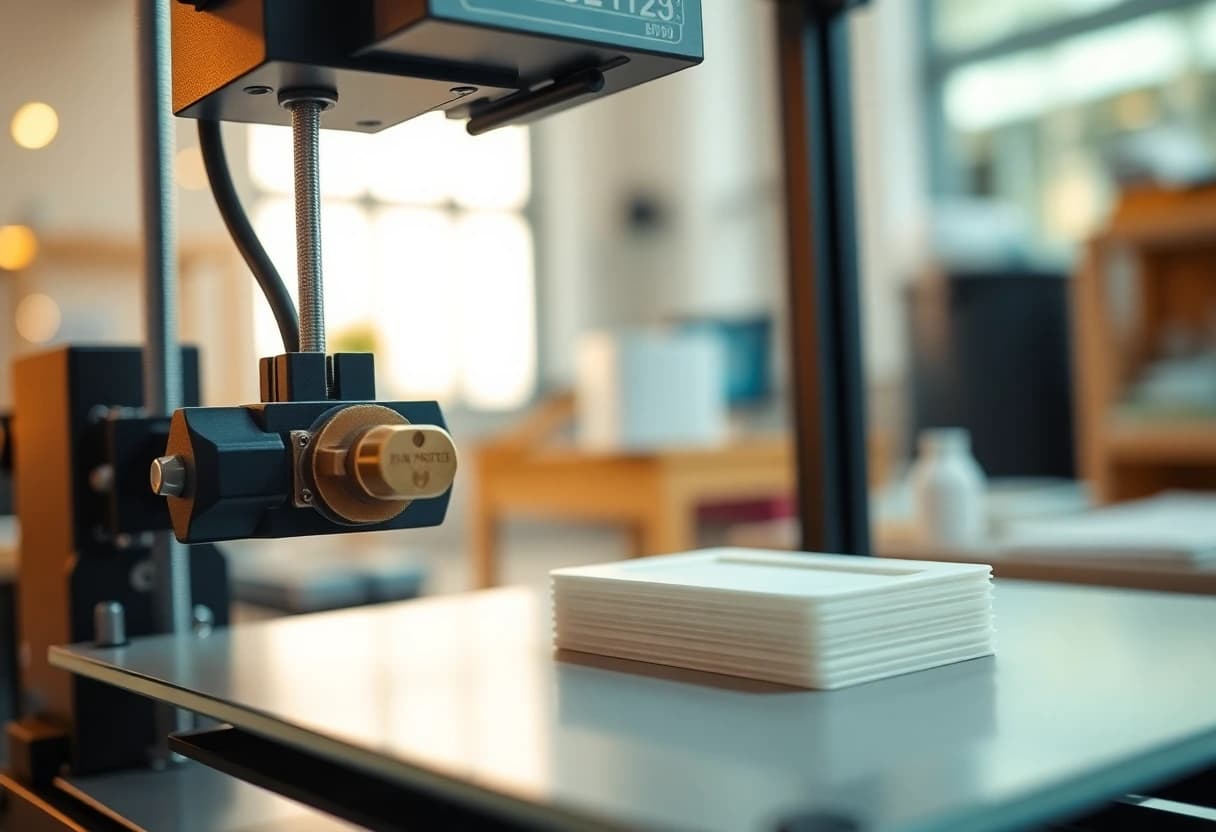
- Maximum file
- 50 MB
- Maximum build volume
- 26 × 26 × 26 cm
- Unit
- select mm or cm
Why the STL unit matters
An STL describes triangles but normally no physical unit. A value of 20 may mean 20 millimetres or 20 centimetres. Always compare the displayed outer dimensions with the CAD model or a known reference.
An incorrect scale changes size, material demand, print time and price.
Clean the geometry before upload
For dependable analysis, the mesh should be closed, connected and free of self-intersections. Open edges, duplicate shells, internal faces and extremely thin walls can affect volume calculation and production.
- Export a closed solid mesh
- Remove duplicate and internal faces
- Check wall thicknesses and small details
- State critical fits and target dimensions
STL is not the complete manufacturing specification
Material, colour, layer height, infill, quantity and functional requirements are set separately. If orientation, visible face or load direction matters, state it explicitly in the notes.
FAQ
Common questions
Can I upload a damaged STL?
The upload may detect and flag problematic files, but an automatic estimate is not a reliable repair. Open or unclear models need manual review.
Are OBJ, GLB and 3MF supported?
Yes. The configurator accepts STL, OBJ, GLB and 3MF up to 50 MB.
How detailed should an STL be?
Triangles should describe curves adequately without making the file unnecessarily large. A closed mesh and printable details matter more than an extreme polygon count.
Start with your model
Use the configurator or contact page for the next concrete step.