
3D printing online
Custom 3D printing – upload your model, calculate, order
Upload an STL, OBJ, GLB or 3MF model, check dimensions and price in the browser and order printing with shipping from Germany.
20% off
For a limited time and while the promotional allocation lasts. Automatically applied to printing costs; shipping and priority production excluded.
- 5 FDM materials
- Feasibility reviewed
- Free shipping from €60
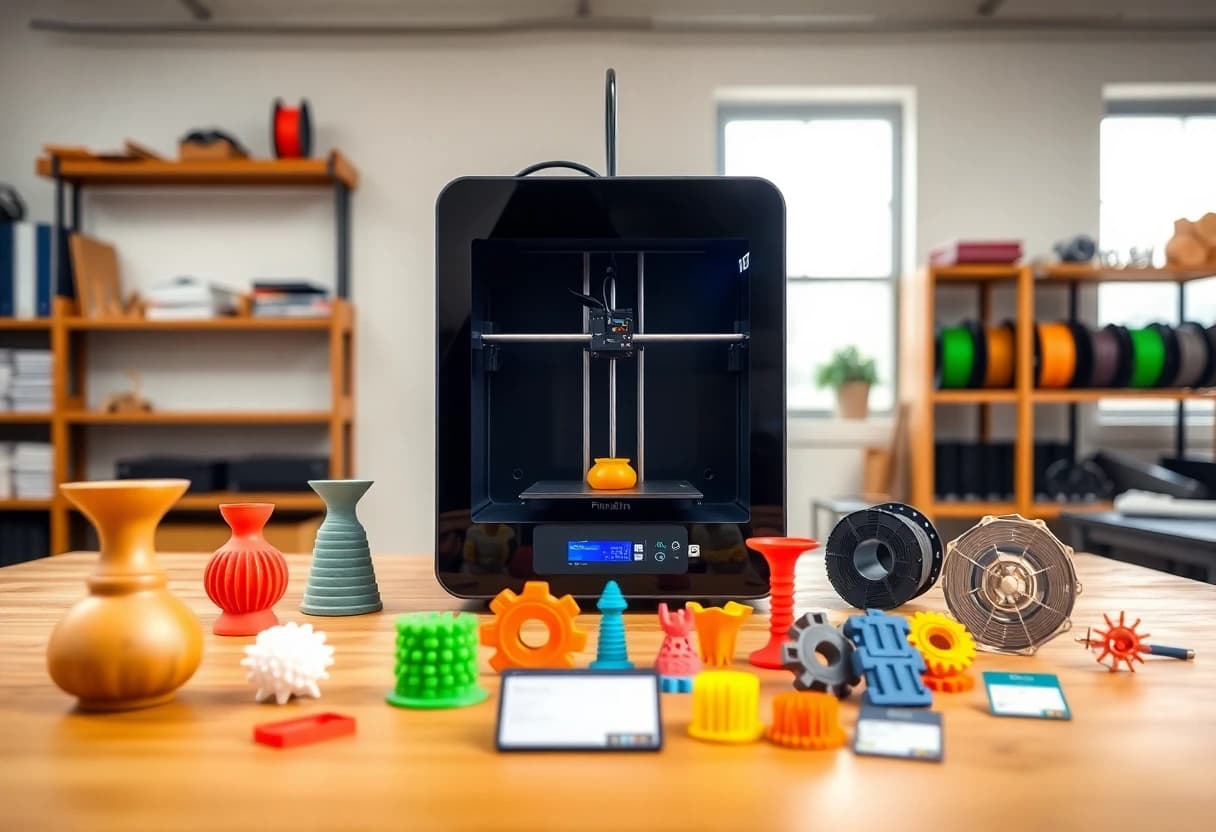 Illustrative image
PETG
Active color: BlueTPU 95A
Active color: BlackPLA-CF
Active color: BlackPETG-CF
Active color: Black
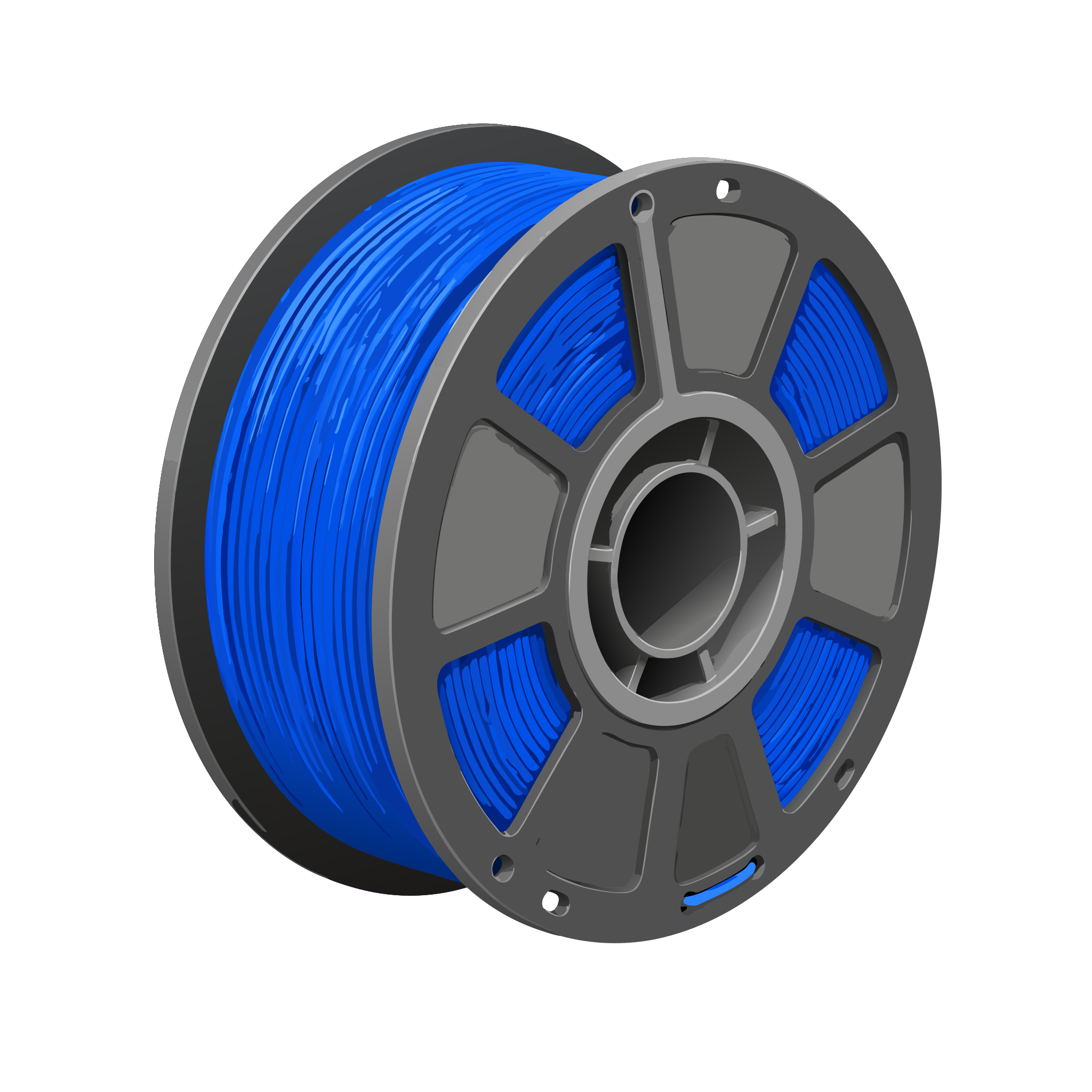
Two ways to a printed part
Own model or ready-made gift idea
Start with your own file or personalize a ready-to-print template.
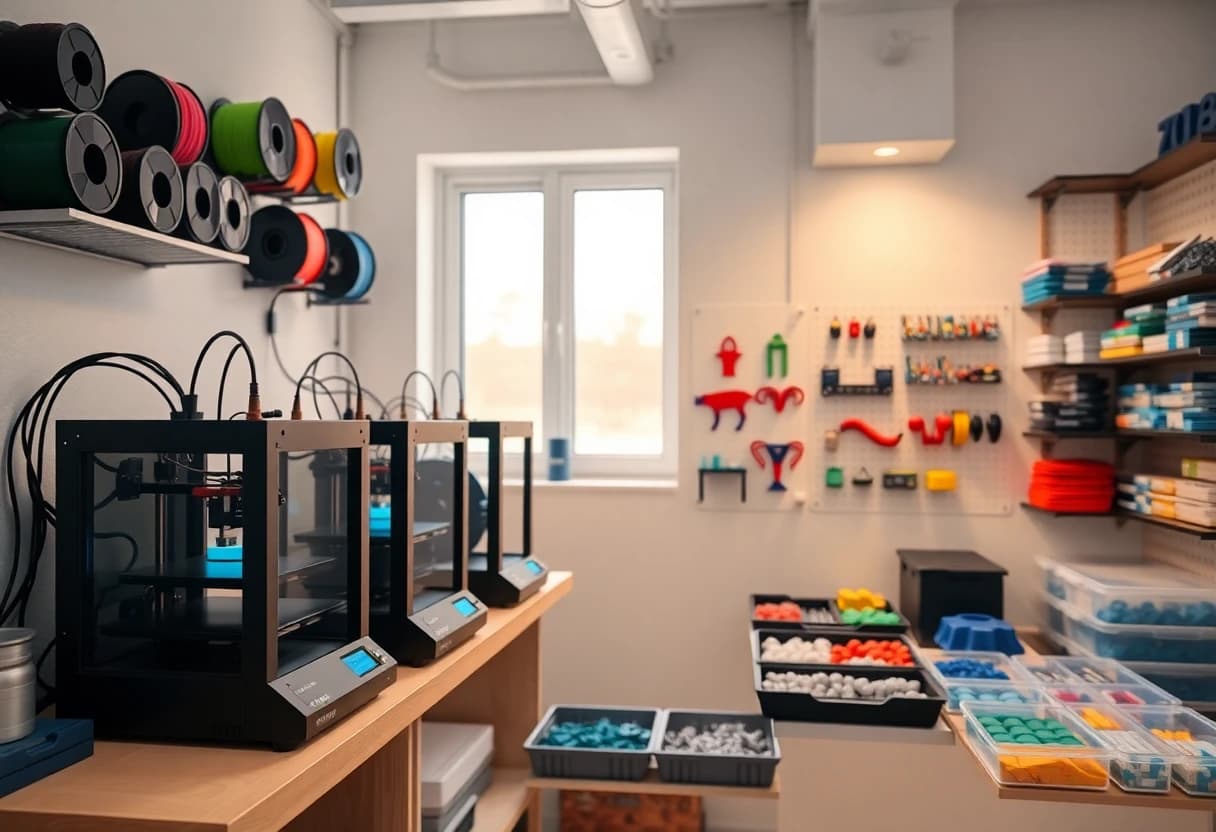
Own 3D model
Upload STL, OBJ, GLB or 3MF up to 50 MB. Dimensions, volume and price are calculated directly.
Upload model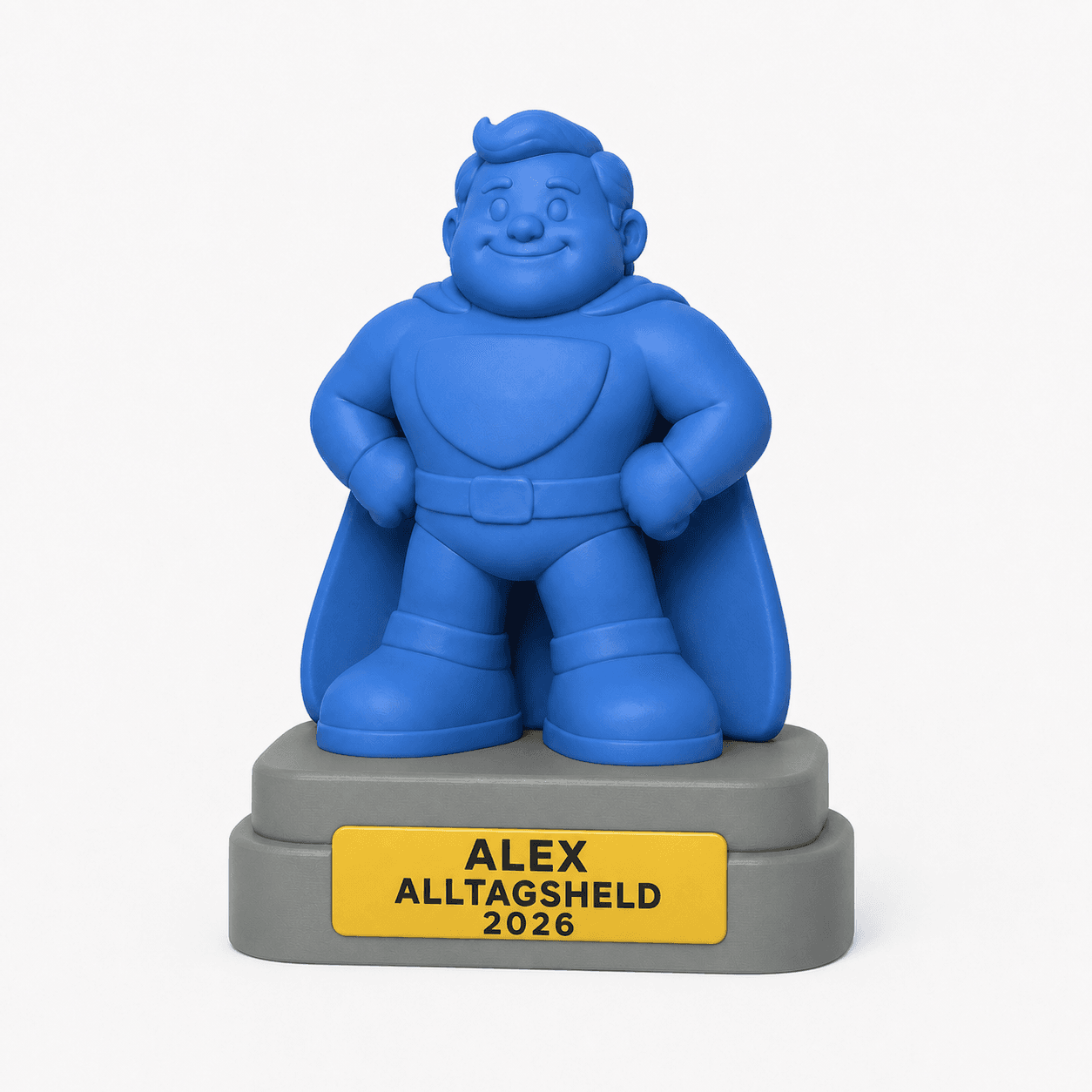
Personalized 3D printed gift ideas
Choose one of five award designs, customize the text, four PLA colors and size, then order at the displayed price.
View personalized gift ideasConfigurator
Upload, check and order a model
Check your part in the 3D preview, choose material, color and quality, then add the calculated item to the cart.
Ready with your model?
The 3D viewer loads only when you reach this section or start the configurator, keeping the page fast and battery-friendly.
Processed in your browser
The preview and estimate start locally. Your file is then compressed and uploaded once in the background.
Process
How your print order is created
01Upload or choose an idea
Upload your own STL, OBJ, GLB or 3MF file, or open a gift idea as a starting template.
Prepare and check a 3MF file02Adjust with AI (optional)
Temporarily unavailable. In future, you will be able to describe changes by prompt and have the model repriced.
03Configure & order
Choose material, color, quality and quantity, add the part to the cart and order.
Checked on the server
Upload, geometry review and pricing run again on the server before checkout.
Fast to order
Price, volume and dimensions update after the upload.
Reviewable order
Open meshes are marked and manually checked before production.
Materials
Five materials – matched to your part
PLA and PETG cover many jobs; TPU 95A, PLA-CF and PETG-CF add flexible and particularly rigid options.
PLA
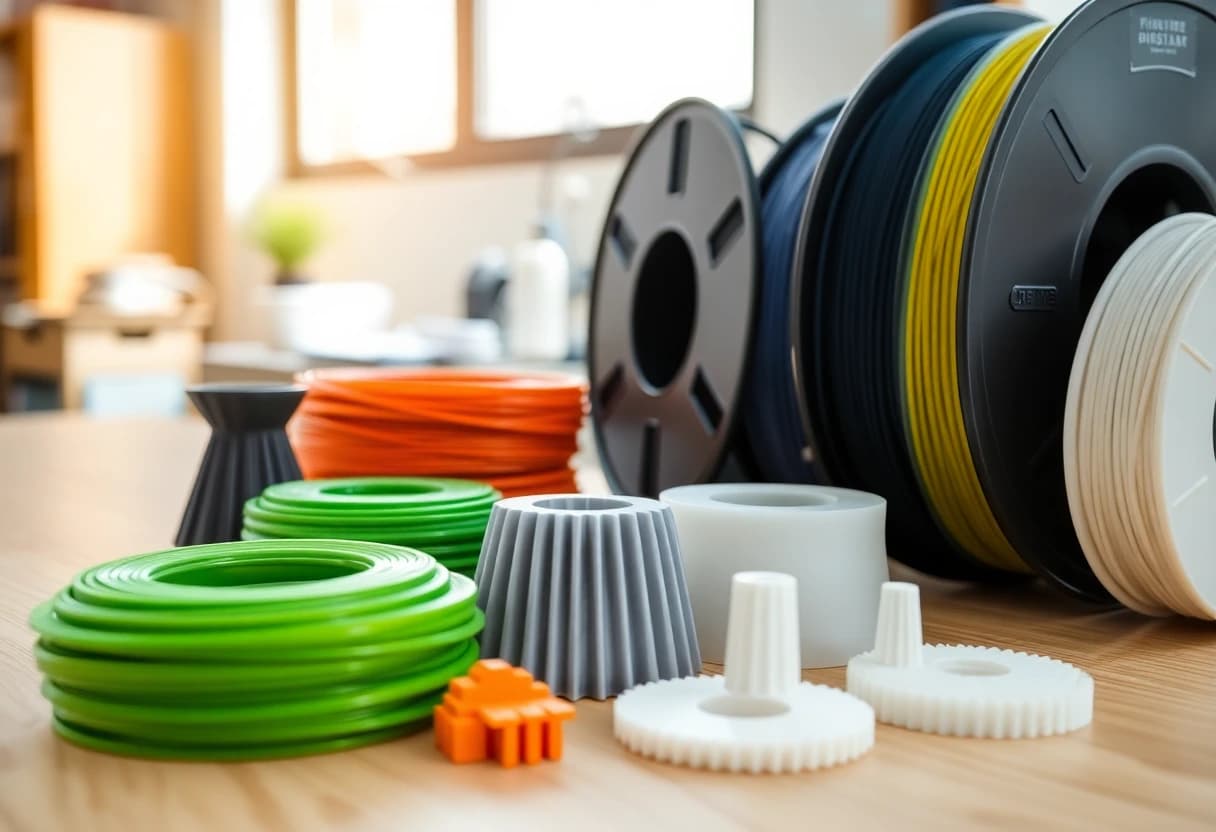
Detailed and dimensionally stable with a matte surface – the clear choice for models, prototypes and indoor decor.
PETG
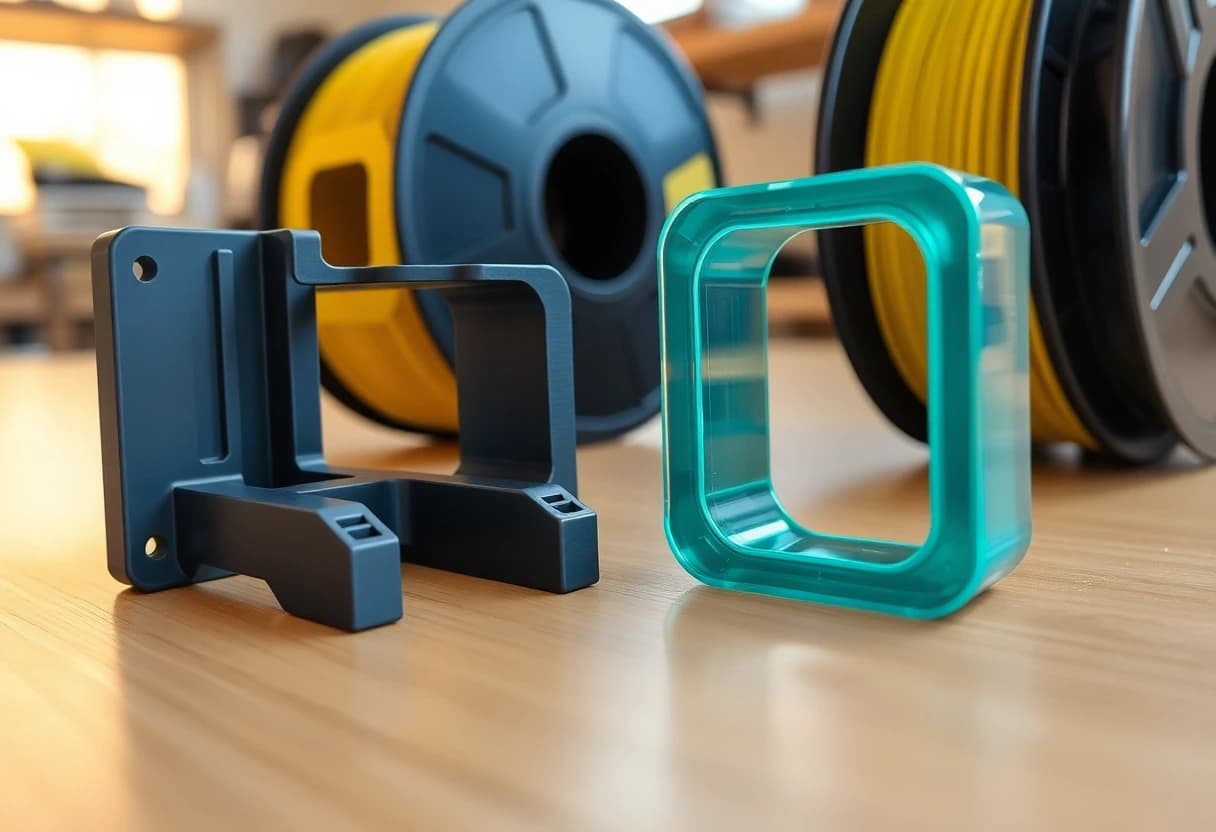
Tough and resistant to moisture and higher loads – the robust choice for functional parts.
TPU 95A
Elastic and damping for parts designed to bend in a controlled way or absorb impacts.
PLA-CF
Rigid and dimensionally stable with a matte surface for precise parts and a refined technical appearance.
PETG-CF
Rigid while handling moisture and impacts more robustly than PLA-CF.
Customer reviews
Experiences with our 3D prints
Verified feedback from customers after their order was completed.
“War alles so, wie ich es mir vorgestellt habe”
“Alles genau so wie gewünscht, sehr schnelle Lieferung”
“schnelle Lieferung und schnelle Reaktion bei Fragen. Ergebnis iO.”
FAQ
Common questions
Which files work?
STL, OBJ, GLB and 3MF up to 50 MB. For STL and OBJ you may need to set the unit yourself to mm or cm.
How does the AI adjustment work?
AI adjustment is temporarily unavailable. Once it is active again, you will be able to describe the desired changes by prompt.
How reliable is the price?
Closed meshes use the detected volume. Open or very complex models are clearly marked as bounding-box estimates.
Is ordering fully automated already?
Mostly. We briefly review feasibility before production. In normal cases, the order and price remain unchanged; only rarely must we reject a technically unworkable order or agree an adjusted price with you.
Guides
Plan better before printing
Materials
Filament comparison: choose PLA, PETG, ABS, ASA and TPU
PLA is not automatically the best choice and PETG is not always stronger. Temperature, load, UV light, accuracy, finish and safety decide.
ReadProcesses
FDM, SLA or SLS: which 3D printing process fits your part?
FDM is not automatically the cheapest answer and SLA is not automatically better. Geometry, surface, tolerance, size and quantity decide the process.
ReadDesign
Design strong FDM parts: walls, infill and print orientation
Strong FDM parts come from geometry first. More infill rarely fixes weak load paths, thin walls or an unsuitable layer orientation.
ReadContact
Ask a question or clarify a project
Send us a note if you want to clarify material, feasibility, delivery time or an existing order.
We usually reply within one business day.
For part questions, an order link or the uploaded file name helps.